SHAPES
Instructions, not dots
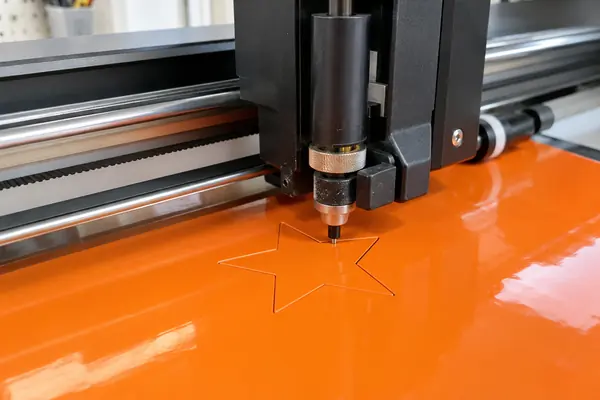
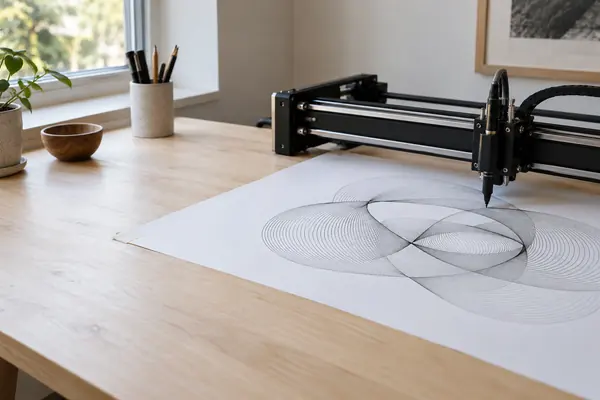
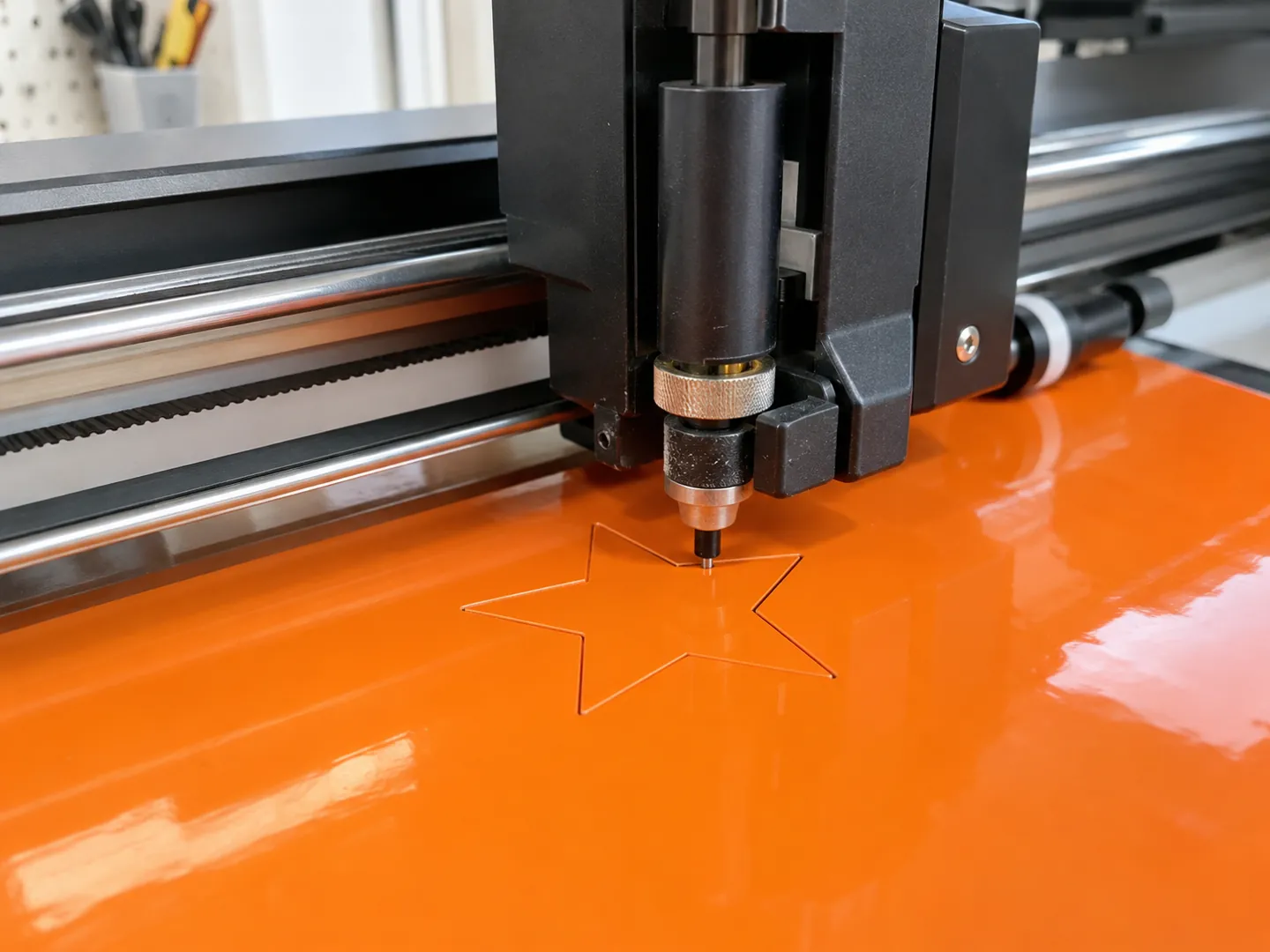
A vector graphic is made of paths: lines, curves and fills described by numbers. It can be scaled as far as you like without losing sharpness.
Check your picture doodlevector
SHARPat every size
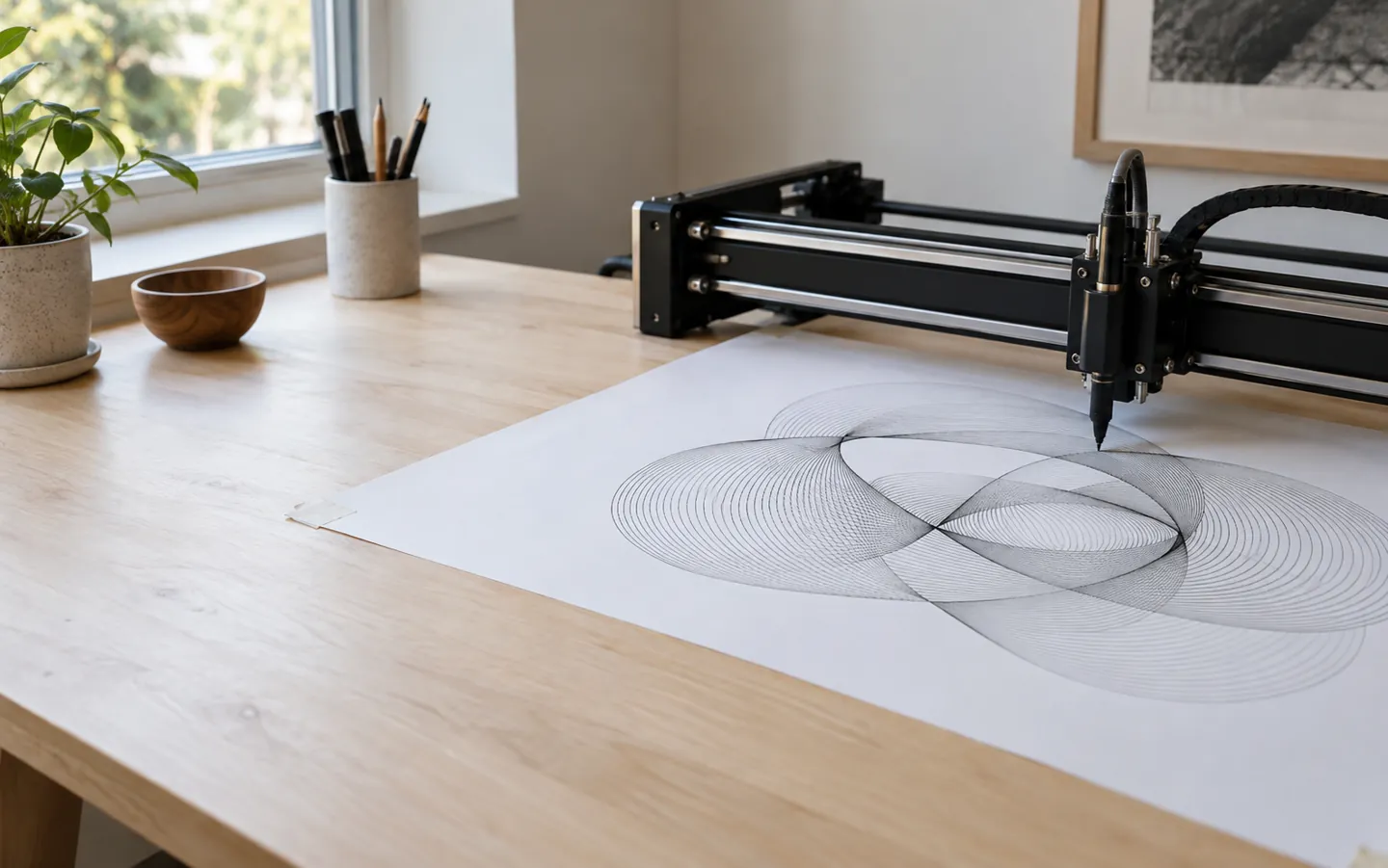
A photo is a fixed grid of pixels. A vector image is a list of paths, lines and curves, so it can be redrawn sharply at any size. Knowing which one you have saves a lot of blurry logos.
Updated
THE SHORT ANSWER
The picture decides the format.
Clean shapes scale; photographs do not need to.
SHAPES
A vector graphic is made of paths: lines, curves and fills described by numbers. It can be scaled as far as you like without losing sharpness.
Check your picturePHOTOS
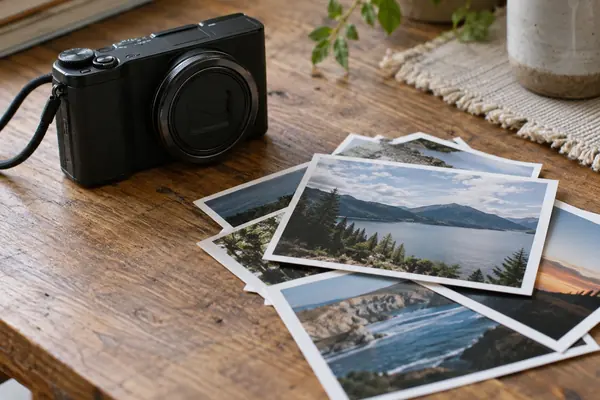
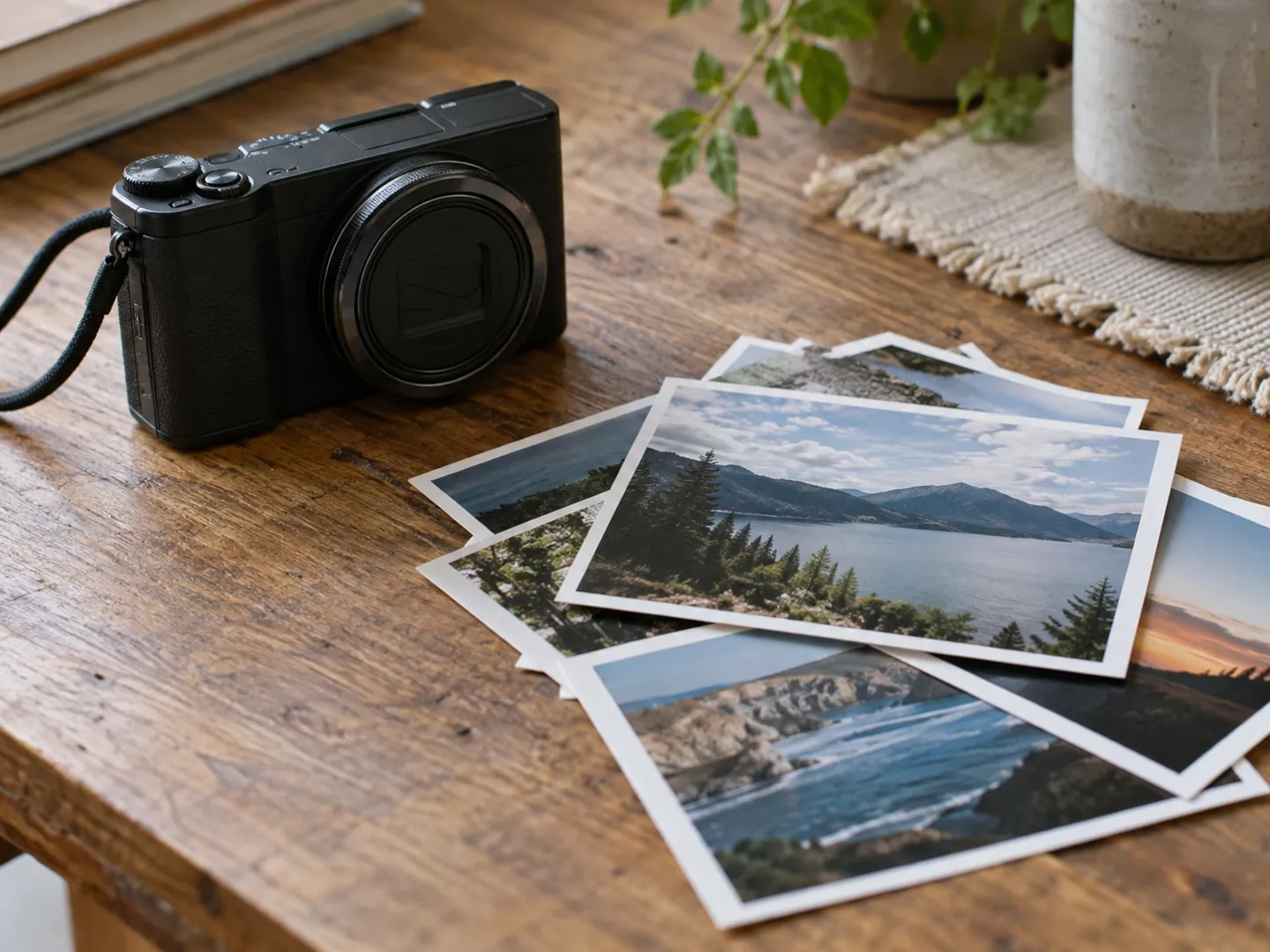
Cameras and scanners can only produce raster images. For photographs, JPEG, WebP or AVIF make sense, because lossy compression is hard to see in them.
How to chooseSIZE
A logo saved as SVG looks crisp on a phone icon and on a large print, because it is redrawn at the size you need instead of stretched.
See the numbersA QUICK FORMAT CHECK
Pick the kind of picture you have to see which format the guidance points to. The bar shows how well a vector format such as SVG suits it.
Based on MDN's image format guide and GOV.UK publishing guidance. General information for everyday files.
TWO NUMBERS WORTH KNOWING
How much of the web's imagery is vector,
and how fast that share has moved.
6.4%
Mobile image requests that are SVG
The HTTP Archive's 2024 Web Almanac found JPEG at 32.4%, PNG at 28.4%, GIF at 16.8%, WebP at 12% and SVG at 6.4% of image requests on mobile pages.
SHARE OF IMAGES · WEB ALMANAC 2024
36%
Rise in SVG's share over two years
Compared with 2022, SVG picked up a bit under two percentage points on mobile, a relative increase of 36%, while JPEG fell from about 40%.
GROWTH · WEB ALMANAC 2024
SVG became a W3C Recommendation in September 2001, according to the Library of Congress, which adds that by 2014 mainstream browsers supported SVG 1.1 without a plugin.
FOUR HABITS TO TRY
None of this needs new software. It is about asking what the picture is made of before you save, send or print it.
When someone sends a small PNG logo for a banner, ask for the vector original instead of stretching the pixels.
Vectors can be turned into pixels at any time, but not simply back again, so save the original drawing file.
Save photographs as JPEG, WebP or AVIF. Converting a photo to SVG does not add any detail.
GOV.UK advises avoiding images with text, and explaining any chart or diagram in the words around it too.
INSIDE AN SVG
The W3C describes SVG as a language for describing two-dimensional graphics in XML. One file can hold three kinds of object: vector shapes, images and text. It uses the extension .svg and the type image/svg+xml.
Because SVG is plain text, the Library of Congress notes it is transparent, can carry text alternatives and can be restyled for people with low vision or colour deficiencies. Its stated intent is for images to be inherently scalable.
Questions
A picture stored as paths: lines, curves and shapes described with numbers, rather than a fixed grid of pixels. Because it is redrawn at whatever size is needed, it can be scaled without losing sharpness.
It is probably a raster file such as a PNG or JPEG. A raster image has a fixed number of pixels and cannot be enlarged without losing quality. A vector version, such as an SVG, avoids this.
Saving or renaming a bitmap as SVG does not make it scalable. GOV.UK guidance says a scalable image must be made from the source file, and cameras and scanners only produce raster images in the first place.
No. MDN says SVG is not generally useful for photographic images. Photographs suit lossy formats such as WebP, AVIF or JPEG, because the detail they discard is harder to see.
No. SVG 1.0 became a W3C Recommendation in September 2001 and SVG 1.1 followed in January 2003. The Library of Congress says mainstream browsers supported SVG 1.1 without a plugin by 2014.
ABOUT THIS NAME
doodlevector.com is part of the DoodleSale portfolio. It isn't in an auction right now, but you can ask about leasing it.